
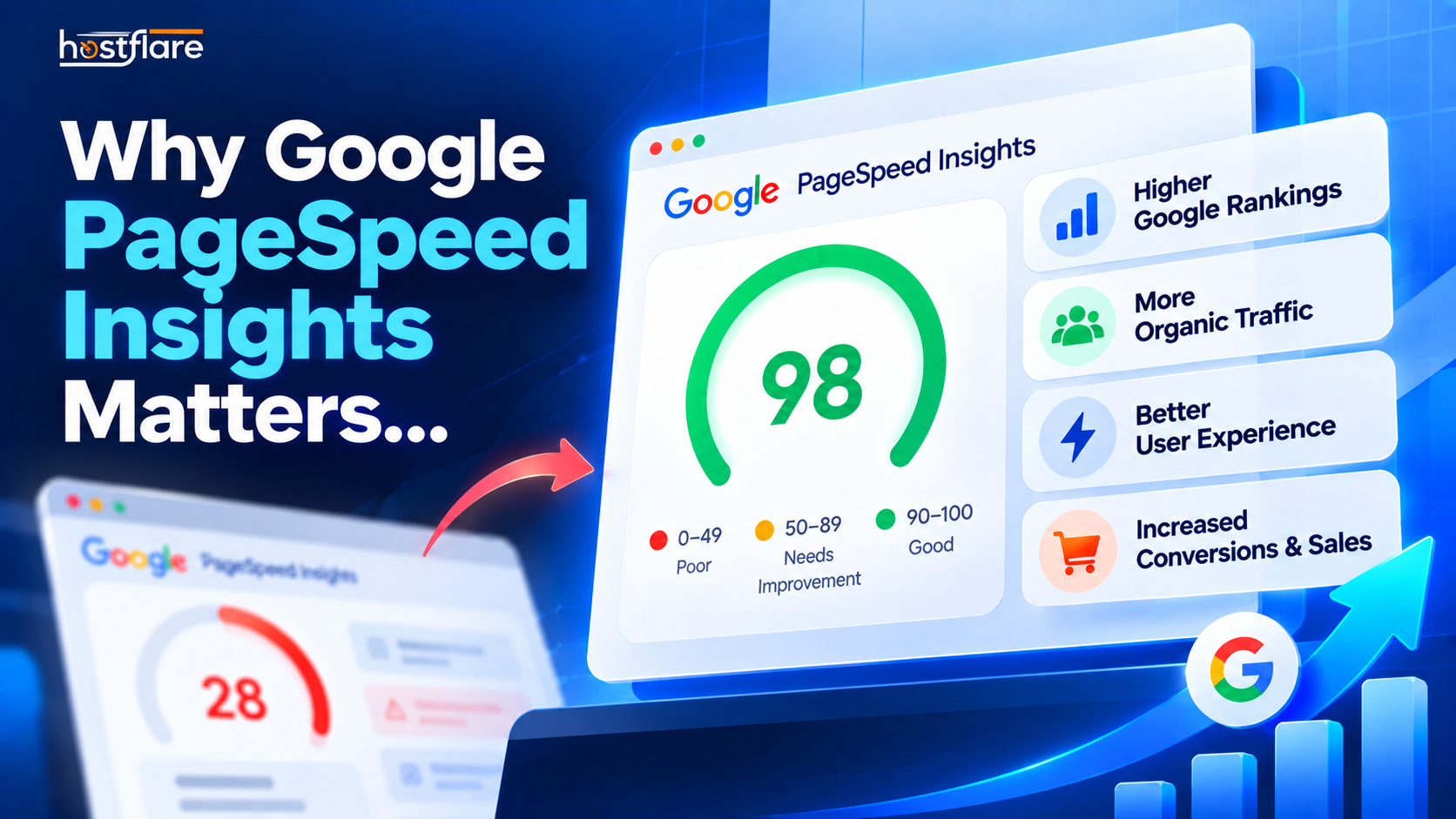

Hello, speed demons! 🏎️ Today we are tackling the big, scary monster that keeps web designers awake at night: Google PageSpeed Insights.
If you've ever typed your website URL into Google's speed testing tool, you might have been greeted with a glaring red "35/100" and a list of errors that look like they are written in an alien language. (What even is "First Contentful Paint"? 😩)
Don't panic! Let's break down exactly why this score matters, dive into the actual code behind the metrics, and show you how you can fix it without losing your mind.
Why Does Google Care About Speed?
Google has one main job: giving people exactly what they are looking for, as fast as possible.
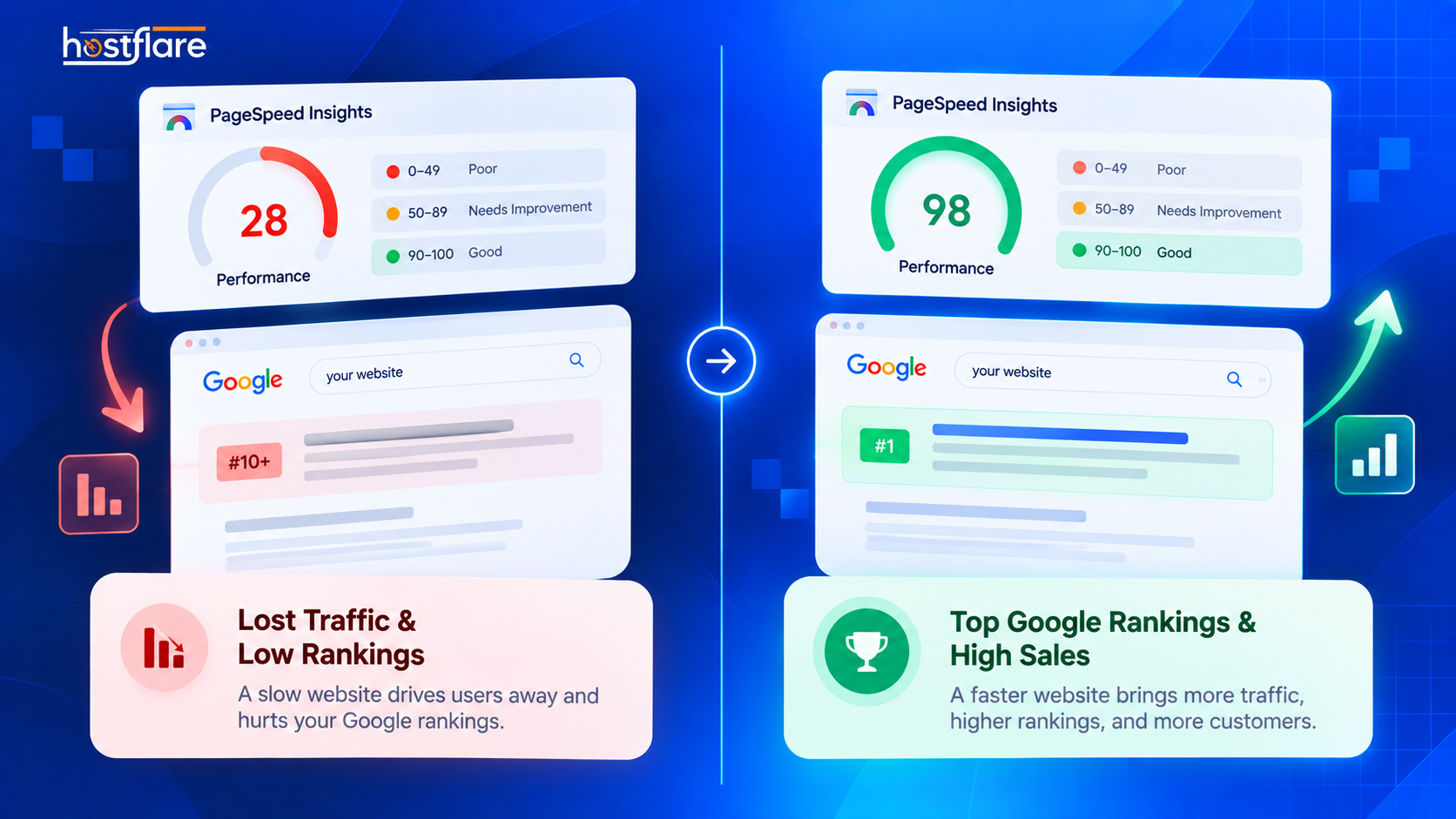
If Google sends a user to your website and it takes 8 seconds to load, that user is going to get annoyed and leave. That makes Google look bad. So, to protect their own reputation, Google actively punishes slow websites by pushing them down in the search results. 📉
On the flip side, if your site is incredibly fast, Google rewards you with better rankings, cheaper ad costs, and more traffic!
(Here is a quick breakdown of how your speed score directly impacts your bottom line!)
Deep Dive: The Three "Core Web Vitals"
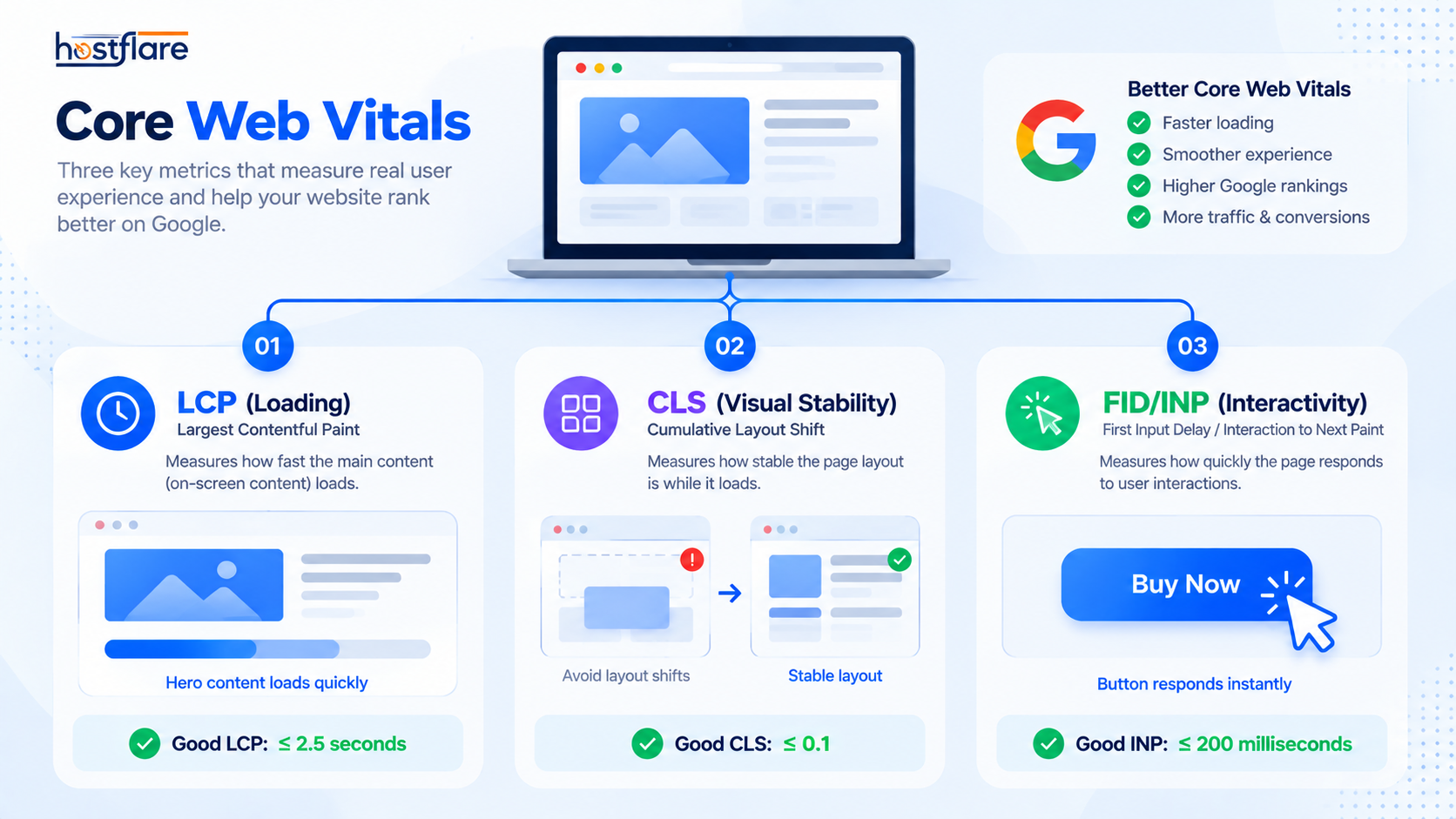
Google judges your site based on three main metrics (known as Core Web Vitals). Let's look at exactly what they are and how to fix them with real code examples.
1. LCP (Largest Contentful Paint) 🖼️
LCP measures how long it takes for the biggest element on your screen (usually a hero image or a big block of text) to fully load. Google wants this to happen in under 2.5 seconds.
How to fix it: You need to tell the browser to load that specific image before anything else. You can do this by adding a preload tag to your HTML <head> section:
<!-- Preloading your massive hero image so it loads instantly! -->
<link rel="preload" href="/images/hero-banner.jpg" as="image">
Copy Code
2. CLS (Cumulative Layout Shift) 🏗️
You know when you go to click a link, and an ad suddenly loads, moving the link down so you accidentally click the ad instead? That’s layout shift. Google hates it. A good score is less than 0.1.
How to fix it: The biggest cause of CLS is images loading without strict dimensions. The browser doesn't know how much space to leave for the image until it fully loads, which pushes all your text down. Always specify the width and height attributes directly in your HTML!
<!-- BAD: The browser has to guess the size -->
<img src="cute-cat.jpg" alt="A cute cat">

<!-- GOOD: The browser reserves the exact space immediately -->
<img src="cute-cat.jpg" alt="A cute cat" width="800" height="600">
Copy Code
3. FID (First Input Delay) / INP (Interaction to Next Paint) 👆
This measures how fast your site reacts when a user actually clicks a button or opens a menu. If they click "Add to Cart" and the site freezes for a second, you fail this test.
How to fix it: This usually happens because a massive Javascript file is blocking the browser from doing anything else. You need to defer your non-essential scripts so they load after the important stuff.
<!-- Adding 'defer' tells the browser to wait before executing this script -->
<script src="heavy-tracking-script.js" defer></script>
Copy Code
(Check out this flowchart to see how Core Web Vitals interact with a user's browser!)
The Cheat Code: Managed WordPress Hosting ✨
Trying to fix all of these technical issues by yourself is exhausting. You can spend hours installing optimization plugins, tweaking code, and minifying scripts, only to see your score jump from a 35 to a... 38.
That is exactly why Managed WordPress Hosting exists.
When you use a standard, cheap host, you are completely on your own. But with Managed WordPress Hosting, the servers are perfectly tuned specifically for WordPress.
At HostFlare WordPress Hosting, we handle the heavy lifting for you. We provide: - Server-level caching: Bypassing heavy PHP executions entirely. - Automatic image optimization: Serving WebP formats so your LCP stays lightning fast. - Ultra-fast NVMe storage: Ensuring your database queries never cause input delays.
Because our servers are pre-configured for maximum WordPress performance, you'll see a massive boost in your PageSpeed score before you even touch a line of HTML code.
Stop fighting with code and start focusing on your business. Let a managed host do the dirty work for you! 😉